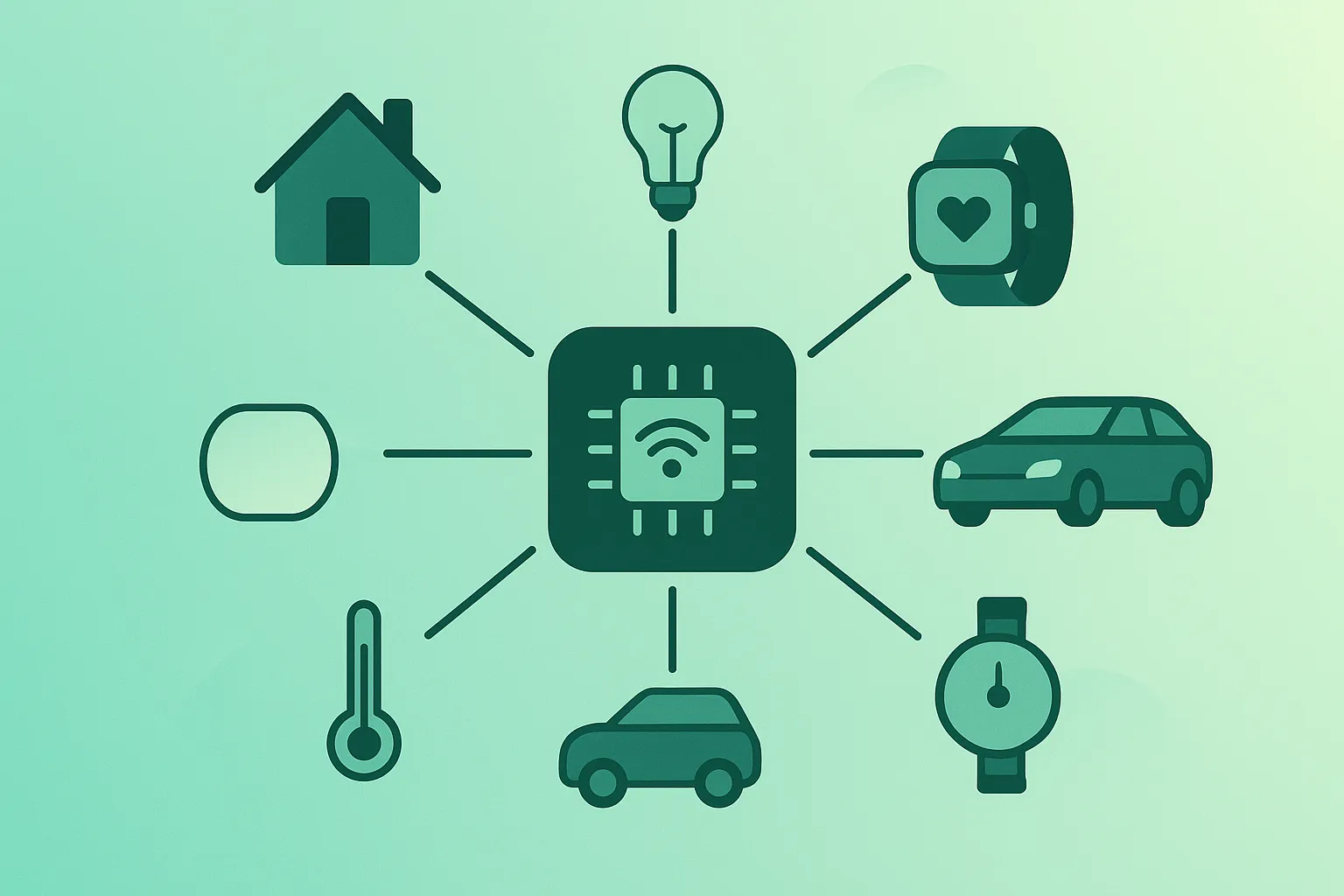
The term Internet of Things (IoT) can sound abstract and futuristic – like something that only happens in factories, hospitals, or smart cities. In reality, IoT is already all around you: in your watch, thermostat, car, TV, and maybe even your light bulbs.
The goal of this guide is simple: to explain IoT in plain English so that anyone can understand what it is, how it works, and how to use connected devices usefully and safely. You don’t need to be an engineer or network expert – just curious and ready to build a few good habits.
1. What Is the Internet of Things (IoT)?
At its core, the Internet of Things is about connecting physical objects to the internet so they can collect data, send it, and sometimes act on it.
In simple terms, you can think of IoT devices as things that can:
- Sense the world – measure temperature, motion, light, location, etc.
- Talk to other systems – send this data over Wi-Fi, Bluetooth, or mobile networks.
- Act – turn something on/off, open/close, move, or notify you through an app.
A smart thermostat, for example, measures the temperature, sends readings to an app or cloud service, and can adjust your heating automatically based on your preferences.
Not every “smart” device is useful, and not every useful device has to be online. IoT is most valuable when connectivity solves a real problem – like saving energy, improving safety, or reducing manual work.
2. Everyday IoT Examples You Already Use
Even if you’ve never used the word “IoT”, you’ve almost certainly used IoT-powered products:
- Smart speakers & assistants: Devices that listen for voice commands, stream music, and control other devices.
- Wearables: Smartwatches and fitness trackers that monitor heart rate, steps, and sleep.
- Smart thermostats: Heating and cooling that learns your schedule and adjusts automatically.
- Security cameras & doorbells: Live video, motion alerts, and two-way audio from your phone.
- Smart lighting: Bulbs and switches you can control via app, schedule, or voice.
- Connected cars: Navigation with live traffic, remote lock/unlock, and maintenance alerts.
- Appliances: Washing machines, fridges, and ovens that send notifications or allow remote control.
Real-life example
Imagine you leave home in a hurry and forget to turn off the lights and heating. A simple smart home setup can automatically switch to “away” mode when your phone leaves the house: lights off, heating reduced, door locked. That’s the Internet of Things making everyday life slightly less stressful and more efficient.
3. How IoT Systems Work: Devices, Cloud & Apps
Different IoT products use different technologies, but most of them follow a similar high-level pattern:
- Device: A sensor or actuator with a tiny computer inside (microcontroller) that collects data or performs actions.
- Connectivity: The device uses Wi-Fi, Bluetooth, Zigbee, Thread, mobile data, or another protocol to send data.
- Gateway or hub (sometimes): A box or app that connects local devices to the internet.
- Cloud or local server: A backend that stores data, runs logic, and exposes APIs.
- App or dashboard: What you see – mobile app, web interface, or integration with other services.
As a user, you mostly interact with the app and the physical device. The rest happens behind the scenes, but understanding the pieces helps when you troubleshoot or compare products.
4. Key Building Blocks: Sensors, Connectivity & Data
If you look under the hood, most IoT systems are built from a few fundamental components:
- Sensors: Measure temperature, humidity, motion, light, sound, air quality, GPS location, door open/close state, and much more.
- Actuators: Motors, relays, valves, and switches that can move or control something in the physical world.
- Microcontrollers / edge devices: Tiny computers (like those inside smart bulbs or thermostats) that run simple code close to the data source.
- Connectivity modules: Wi-Fi, Bluetooth, Zigbee, Thread, Z-Wave, LoRa, 4G/5G – each with its own range, power usage, and cost trade-offs.
- Protocols & messages: Devices often use protocols like HTTP, MQTT, or CoAP to send small messages with sensor readings or commands.
- Data storage & analytics: Cloud services or local systems that store data over time and turn it into graphs, alerts, or automation rules.
The real value of IoT often comes not from a single data point, but from patterns over time – for example, learning how your energy usage changes during the day and adjusting automation accordingly.
5. Smart Homes, Cities & Industry 4.0
IoT shows up at many different scales, from personal gadgets to entire cities:
- Smart homes: Lights, thermostats, cameras, locks, blinds, appliances and sensors working together to improve comfort, security, and energy efficiency.
- Smart buildings: Offices and apartment blocks that monitor occupancy, air quality, and energy use to optimise comfort and cost.
- Smart cities: Connected traffic lights, public transport, street lighting, and waste management systems that adjust in near real-time.
- Industry 4.0: Factories and logistics operations using sensors on machines, vehicles, and inventory to predict failures, reduce downtime, and improve safety.
- Agriculture: Soil moisture sensors, weather stations, and GPS-guided equipment helping farmers use water and fertiliser more precisely.
While the scale differs, the core ideas repeat: sense something, communicate it, decide what to do, then act – often automatically.
6. Benefits of IoT (When Used Well)
IoT can be hugely helpful when it’s solving the right problems. Some common benefits include:
- Convenience: Remote control of devices, automation based on time, location, or conditions.
- Energy efficiency: Smarter heating, cooling, lighting, and appliance usage can reduce waste and bills.
- Safety & security: Alerts for motion, smoke, water leaks, or open doors; cameras and sensors that notify you quickly when something is wrong.
- Insight: Data over time can highlight patterns humans would miss – like when equipment tends to fail or when energy usage spikes.
- Automation of boring tasks: From reordering supplies to logging temperature readings for compliance.
The key is intentionality: choose IoT solutions that genuinely help, instead of connecting everything “just because it exists”.
7. Risks, Privacy & Security Considerations
As with any connected technology, IoT comes with important risks. Understanding them helps you make smarter choices.
- Security vulnerabilities: Poorly configured or outdated devices can become easy entry points for attackers.
- Privacy concerns: Many IoT devices collect sensitive data – video, audio, location, daily routines – sometimes more than you realise.
- Vendor lock-in: Devices that only work with one app or ecosystem can be hard to integrate or replace later.
- Abandoned products: Some manufacturers stop updating devices after a few years, which can leave them insecure.
- Complexity: The more connected devices you have, the more things there are to configure, maintain, and troubleshoot.
Watch out
A “cheap” smart camera or baby monitor with weak security can be more expensive in the long run if it exposes your home network or private moments. Always treat cameras, microphones, and door locks as high-risk devices and choose reputable brands with clear update policies.
The safest approach is to treat IoT devices like any other connected computer: secure them, update them, and only buy from vendors you’re willing to trust with your data and your home.
8. How to Choose & Set Up Smart Devices Safely
You don’t need to be paranoid, but you should be deliberate when buying and configuring IoT products.
Before buying, ask yourself:
- What problem does this actually solve? Is it real value or just a gimmick?
- Who makes it? Do they provide regular updates and clear documentation?
- Where is data stored? Locally, in the cloud, or both? Is there a privacy policy you can understand?
- Does it work with open standards? Support for protocols like Matter, Zigbee, or standard APIs can make future integrations easier.
When setting up new devices, follow these basic safety steps:
- Change default usernames and passwords.
- Update firmware to the latest version immediately.
- Use strong Wi-Fi security: WPA2 or WPA3 with a unique, long password.
- Consider a guest or IoT network: Isolating smart devices from your main computers and phones reduces risk.
- Disable features you don’t need: Remote access, cloud backup, microphones, or cameras if they’re not essential.
Pro tip
Keep a simple list of your key IoT devices, which app controls them, and how to reset them. It makes it much easier to troubleshoot issues, switch phones, or remove a device when you move house or sell it.
9. IoT for Developers: Where to Start
If you are a developer or technical enthusiast, IoT can be a fun way to combine software with the physical world.
A simple learning path might look like this:
- Step 1 – Basic hardware: Experiment with affordable boards like Arduino, ESP32, or Raspberry Pi to blink LEDs and read sensors.
- Step 2 – Local networking: Send sensor data over Wi-Fi or Bluetooth to a local server or app on your laptop or phone.
- Step 3 – Cloud connectivity: Publish data to a simple cloud service or MQTT broker and view it in a dashboard.
- Step 4 – Automation: Create rules: “If sensor value crosses X, send notification or trigger an action.”
- Step 5 – Reliability & security: Add basic OTA updates (where possible), encryption, and robust error handling.
You don’t have to build everything from scratch. Many platforms provide SDKs, tutorials, and sample projects tailored to beginners.
10. Future Trends: Edge, 5G & AI in IoT
IoT is evolving quickly, but a few trends are especially important for the next few years:
- Edge computing: More processing happens on the device itself (or nearby), reducing latency and bandwidth usage.
- AI on devices: Tiny machine-learning models running directly on sensors for things like voice, image, or anomaly detection.
- Standardisation (e.g. Matter): New standards aim to make smart home devices from different brands work together more reliably.
- 5G & specialised networks: Useful for industrial, city, and large-scale deployments with many devices.
- Stronger privacy expectations: Regulations and user awareness are pushing vendors to be more transparent about data and security practices.
As a user, you don’t need to follow every detail – but it’s helpful to know that the ecosystem is moving toward more interoperability, intelligence, and (hopefully) better security.
11. Frequently Asked Questions About IoT
Do I need to be technical to understand the Internet of Things?
No. You can get a solid understanding with a few simple ideas: devices measure things, send data, and sometimes act on it. From there, you can focus on choosing products that genuinely help and following basic setup and security steps.
Are smart home devices safe to use?
They can be, if you set them up with security in mind. Choose reputable brands, change default passwords, keep firmware updated, and protect your Wi-Fi network. Be extra careful with devices that have cameras, microphones, or door locks.
Does every device really need to be online?
No. Sometimes a simple non-smart solution is better – less complex, cheaper, and with fewer privacy concerns. Think about whether remote access or automation truly adds value before connecting something.
Will IoT massively increase my internet bill?
Most home IoT devices use relatively little data – often just small status messages and occasional updates. Video cameras are the main exception, especially if they upload continuously to the cloud. If you have limited bandwidth or data caps, be careful with camera settings and cloud backups.
What happens to my devices if the company shuts down?
Unfortunately, some devices become less useful – or even stop working – if the cloud service behind them disappears. Whenever possible, prefer devices that support local control, open standards, or clear export/migration options.
12. Final Thoughts & Next Steps
The Internet of Things is already part of everyday life, and its influence will keep growing. The good news is that you don’t need to understand every protocol or chip to benefit from IoT – you just need a clear idea of what you want, plus a few safety habits.
Start small: perhaps a smart thermostat, a few lights, or a simple sensor that genuinely solves a problem. Set it up carefully, keep it updated, and pay attention to the data it collects and where it goes. From there, you can expand your setup or explore IoT development if you’re curious.
If you want to go further, explore other resources in the Internet of Things guides on All Days Tech, where I break down connected-tech topics into practical, beginner-friendly lessons.
Key IoT terms (quick glossary)
- Internet of Things (IoT)
- A network of physical objects (“things”) that have sensors, computing power, and connectivity, allowing them to collect and exchange data.
- Sensor
- A component that measures a physical quantity such as temperature, motion, light, sound, or location and converts it into digital data.
- Actuator
- A component that takes action in the physical world, such as turning a motor, opening a valve, or switching a relay.
- Microcontroller
- A small, low-power computer on a single chip, often used inside IoT devices to read sensors and control actuators.
- Gateway / Hub
- A device or service that connects local IoT devices (often using Zigbee, Thread, or Bluetooth) to the wider internet or a cloud platform.
- MQTT
- A lightweight messaging protocol commonly used in IoT, where devices publish and subscribe to topics rather than sending direct requests.
- Edge computing
- Processing data close to where it is generated (for example on the device or local gateway) instead of sending everything to the cloud.
- Smart home
- A home that uses connected devices and automation to control things like lighting, heating, entertainment, and security.
- Firmware
- The low-level software that runs directly on a device’s hardware. Updating firmware can fix bugs, patch security issues, or add new features.
