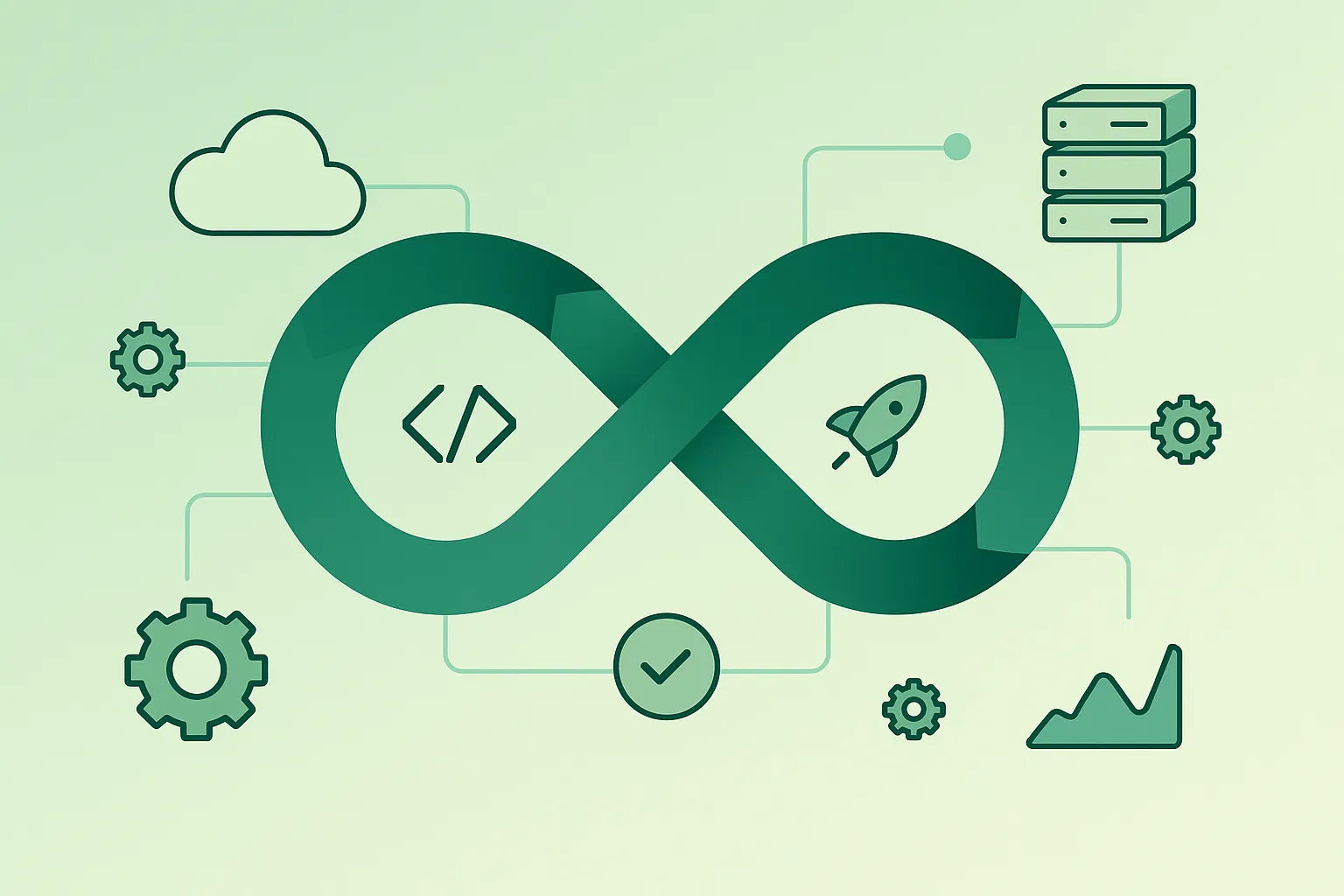
DevOps is one of those buzzwords developers hear all the time – often mixed with Kubernetes, Docker, CI/CD, SRE, and plenty of other acronyms. It can sound complicated or like something only “big tech” companies do.
This guide explains DevOps fordevelopersin plain English. You will learn what DevOps actually means, why it exists, and how to start applying DevOps practices to your projects without drowning in tools or jargon.
1. What Is DevOps?
DevOpsis a way of working that bringsdevelopment (Dev)andoperations (Ops)closer together. The goal is to deliver softwarefaster, more reliably, and with fewer surprises.
In simple terms, you can think of DevOps as:
- Collaboration:Developers, operations, and other teams work together instead of throwing work over the wall.
- Automation:Replacing fragile manual steps with repeatable scripts and pipelines.
- Feedback loops:Using monitoring, logs, and metrics to learn from production quickly.
- Continuous improvement:Small, frequent changes instead of rare, painful “big bang” releases.
DevOps isnota single tool or job title. It’s a combination of culture, practices, and tooling that supports how your team builds and runs software.
2. Why DevOps Matters for Developers
DevOps is not just an operations concern. It directly affects your daily developer life:
- Fewer “works on my machine” issues:Consistent environments reduce weird, time-consuming bugs.
- Faster feedback:Automated tests and CI/CD pipelines let you know quickly if something broke.
- Less release anxiety:Small, automated deployments are less stressful than manual midnight releases.
- Better ownership:Seeing logs, metrics, and alerts helps you understand how your code behaves in the real world.
- More time for building features:Automation removes repetitive tasks so you can focus on solving problems.
In short, DevOps makes it easier to deliver quality code to users and sleep better after you hit “merge”.
3. Core DevOps Principles in Plain English
Different books and frameworks define DevOps in different ways, but most of them share a few core principles:
- Culture over tools:Fancy tooling cannot fix a broken culture. Trust, shared responsibility, and open communication come first.
- Everything as code:Not only application code, but also infrastructure, configuration, and pipelines should be tracked in version control.
- Continuous flow:Small, frequent changes that move smoothly from development to production.
- Fast feedback:Tests, metrics, logs, and user feedback close the loop so you learn quickly.
- Automation where it hurts:If something is painful, slow, or error-prone, automate it.
As a developer, you don’t have to design the entire DevOps strategy, but understanding these principles helps you write code and workflows that fit into a modern delivery pipeline.
4. Key DevOps Practices: CI, CD & Automation
Two of the most visible DevOps practices areContinuous Integration (CI)andContinuous Delivery (CD).
Continuous Integration (CI)means developers merge their changes into the main branch regularly (often daily) and every push triggers an automated pipeline that:
- Runs tests (unit, integration, maybe end-to-end).
- Builds the application or container images.
- Flags problems early, before changes pile up.
Continuous Delivery (CD)extends this by making it easy to deploy that tested code to production (or at least to staging) frequently and safely.
Typical CD features include:
- Automated deployments:One command or one click to release a new version.
- Rollbacks:Simple ways to go back to a previous version if something goes wrong.
- Progressive releases:Blue-green, canary, or percentage-based rollouts.
Real-life example
Instead of doing a big release every three months with a long checklist of manual steps, a team sets up CI/CD. Now every merge to the main branch runs tests, builds a container, and automatically deploys to staging. With one click they can promote a build to production – and roll back just as easily if they see issues.
5. Version Control & Team Collaboration
Modern DevOps assumes you are using version control (usually Git) foreverything:
- Application code
- Configuration files
- Infrastructure definitions (IaC)
- Pipeline definitions (CI/CD configs)
Good collaboration patterns include:
- Small pull requests:Easier to review, easier to roll back, fewer merge conflicts.
- Descriptive commit messages:So you can understand history without digging through code.
- Code review as a quality gate:Not just for style, but for testing, performance, and reliability concerns.
Treating your codebase as thesingle source of truthmakes DevOps automation much simpler – pipelines read from the same repository you work in every day.
6. Infrastructure as Code & Environments
In DevOps, you aim to define infrastructure using code – often calledInfrastructure as Code (IaC).
Instead of configuring servers manually, you:
- Use tools like Terraform, Pulumi, or cloud-native templates to describe resources (databases, networks, queues, containers).
- Store these definitions in Git and review them like any other code.
- Apply changes via automated pipelines, not by clicking around in web consoles.
This approach gives yourepeatable environments– dev, staging, and production can be created in a consistent way, which reduces surprises and configuration drift.
7. Observability, Monitoring & Logging
Shipping code is not the end of the story. You also need to see how it behaves in the wild. That’s whereobservabilitycomes in: metrics, logs, and traces that let you understand the health of your system.
At minimum, you usually want:
- Metrics:CPU, memory, latency, error rates, request counts.
- Structured logs:Machine-readable logs with useful context (request IDs, user IDs, feature flags).
- Alerts:Notifications when something is wrong, based on clearly defined thresholds or error budgets.
Watch out
A deployment without monitoring is like flying blind. If you can’t see when things break, you’ll only find out from angry users or managers. Before you roll out important changes, make sure you at least have basic logs and metrics in place.
As a developer, you should feel comfortable reading logs, dashboards, and alerts – they are part of understanding your application, not just an operations responsibility.
8. Security Basics for DevOps (DevSecOps)
DevSecOpsis about integrating security into the DevOps workflow rather than treating it as a separate, late stage.
Practical ways developers can help include:
- Dependency scanning:Automatically checking libraries for known vulnerabilities.
- Static analysis:Using tools to catch common security issues in code (e.g. hard-coded secrets, unsafe patterns).
- Secret management:Using vaults or managed secret stores instead of putting credentials in config files.
- Least privilege:Giving services only the minimum permissions they need.
Even basic security checks in your CI pipeline can catch many issues before they ever reach production.
9. Getting Started with DevOps in Your Project
You do not need to adopt every DevOps practice at once. The best approach is to start small and improve iteratively.
Good first steps for a typical developer project:
- Add CI:Use a CI service to run tests on every push and pull request.
- Automate your build:Make sure building the app is a single command or script.
- Script deployments:Even a simple shell script is better than a long manual checklist.
- Add basic logging:Use structured logs and centralise them if possible.
- Document your pipeline:A short README describing how code goes from laptop to production helps everyone.
Pro tip
Pick one recurring pain point – maybe deployments, flaky tests, or environment setup – and improvejust thatwith automation or better tooling. Once that’s stable, move on to the next bottleneck. DevOps is a journey of continuous small improvements, not a single big migration.
10. DevOps Tooling Overview (High Level)
There are many DevOps tools, and the list keeps evolving. As a beginner, focus on thecategoriesrather than memorising every product name:
- Version control:Git platforms (GitHub, GitLab, etc.).
- CI/CD:Hosted or self-hosted pipeline tools that run your builds, tests, and deployments.
- Containers:Docker or similar technologies to package applications and dependencies.
- Infrastructure as Code:Tools like Terraform, CloudFormation, Pulumi to define and manage infrastructure.
- Monitoring & logging:Platforms for metrics, alerting, and log aggregation.
- Secret management:Vaults or cloud-native secret stores.
In practice, your stack will be shaped by your company, cloud provider, and team preferences. The underlying concepts stay very similar across tools.
11. Frequently Asked Questions About DevOps
Do I need operations experience to learn DevOps?
No. Many DevOps practitioners started as pure software developers. You can begin with CI/CD, automated testing, and simple deployment scripts, then gradually learn more about infrastructure, networking, and observability as your needs grow.
Is DevOps a job title or a way of working?
DevOps is primarily aculture and set of practices, not just a role. Some companies have “DevOps engineers”, but the spirit of DevOps is shared responsibility across development, operations, and other teams.
Do I need Kubernetes to do DevOps properly?
No. Kubernetes is powerful but also complex. You can practice DevOps with simple VMs, platform-as-a-service offerings, or container platforms without orchestration. Learn the basics first; move to Kubernetes only if your use case really needs it.
How long does it take to adopt DevOps?
There is no fixed timeline. You can start seeing benefits within days or weeks by adding basic CI, tests, and deployment scripts. Deep organisational changes, culture shifts, and full automation usually take longer and happen in stages.
Can DevOps work in regulated industries?
Yes. In fact, automation and traceability can make compliance easier. Auditable pipelines, change logs, approvals, and automated tests help show that your systems follow required standards.
12. Final Thoughts & Next Steps
DevOps is not about buying the right tool or renaming your team. It’s about building software in a way that isreliable, repeatable, and collaborative.
As a developer, you can start small: add a basic CI pipeline, script your deployments, improve your logs, and work more closely with whoever runs your production environment. Over time, these small steps add up to a DevOps mindset.
If you want to go further, explore the other resources in the DevOps & SysAdmin guides on All Days Tech, where I break down operational topics into practical, developer-friendly lessons.
Key DevOps terms (quick glossary)
- DevOps
- A culture and set of practices that bring development and operations together to deliver software quickly, reliably, and safely.
- Continuous Integration (CI)
- The practice of frequently merging code changes into a shared branch and automatically running builds and tests for each change.
- Continuous Delivery (CD)
- The practice of keeping software in a releasable state at all times and using automated pipelines to deploy changes reliably.
- Infrastructure as Code (IaC)
- Managing and provisioning infrastructure (servers, networks, databases) using machine-readable configuration files instead of manual setup.
- Observability
- The ability to understand the internal state of a system using logs, metrics, and traces, especially when things go wrong.
- Blue-green deployment
- A release strategy where two identical environments (blue and green) are used so you can switch traffic between them with minimal downtime.
- Canary release
- Deploying a new version to a small portion of users first; if things look good, you gradually roll it out to everyone.
- DevSecOps
- An approach that integrates security practices into every stage of the DevOps lifecycle instead of treating security as a separate, final step.
